How to Use Dyqani App: Complete Beginner Guide
Step-by-step guide to using Dyqani marketplace app. Create listings, message sellers, and find great deals.
Welcome to Dyqani
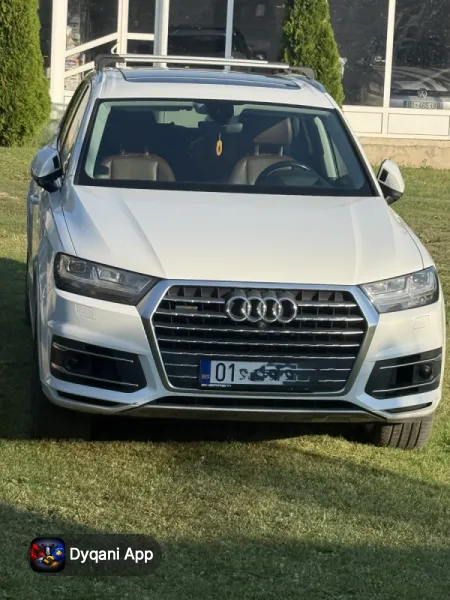
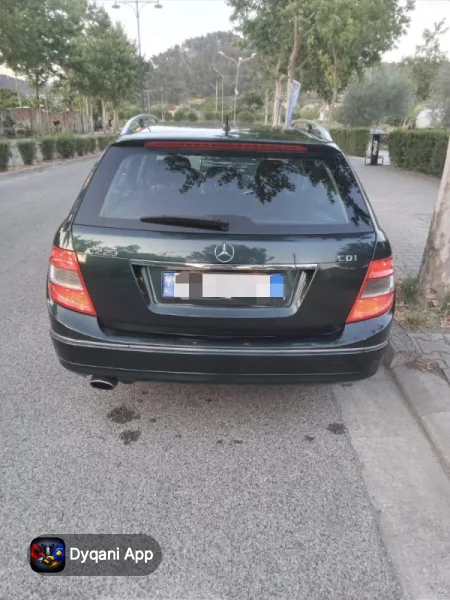
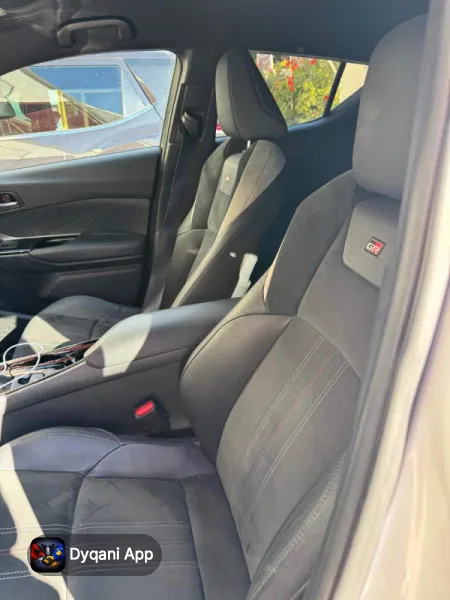
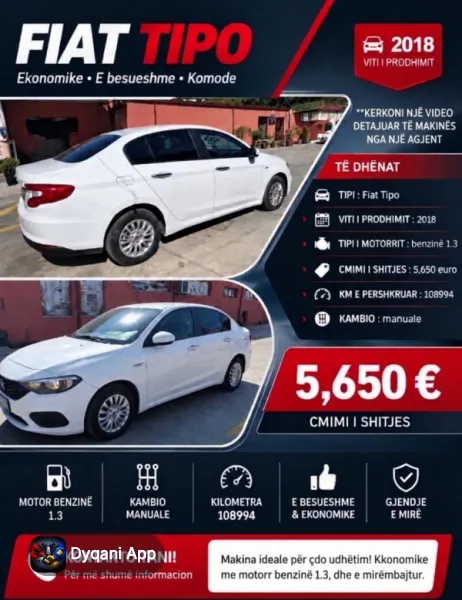
Dyqani is Albania and Kosovo leading marketplace app where you can buy, sell, and discover everything from cars to apartments, electronics to fashion. This guide will help you get started.
Getting Started
Download the App
Dyqani is available for free on both the Apple App Store and Google Play Store. You can also use the website at dyqani.app from any browser.
Creating Your Account
- Open the app and tap Register
- Enter your email address and choose a password
- Verify your email by clicking the link in your inbox
- Complete your profile by adding your name and phone number
Browsing and Searching
The home screen shows featured listings and categories. You can browse by category (Cars, Real Estate, Electronics, etc.) or use the search bar to find specific items.
Using Filters
- Tap the filter icon to narrow results by price, location, condition, and more
- Save your search filters for quick access later
- Set up alerts to get notified when new listings match your criteria
Creating a Listing
- Tap the plus button at the bottom of the screen
- Choose the correct category for your item
- Add clear, well-lit photos (minimum 1, we recommend 5+)
- Write a detailed title and description
- Set your price and location
- Tap Publish — your listing goes live immediately
Tips for Great Listings
- Use natural lighting for photos
- Include all relevant details in the description
- Price competitively by checking similar listings
- Respond quickly to messages for faster sales
Messaging and Communication
Tap the message icon on any listing to contact the seller. All conversations are saved in your Messages tab. You can share additional photos and negotiate directly through the chat.
Subscription Plans
Dyqani offers optional subscription plans for power users and businesses. Premium plans include benefits like increased listing limits, priority placement in search results, and a verified badge. Visit the Plans page in the app for details.
Need Help?
If you have questions or need assistance, visit our Support page or contact us through the app. Our team is here to help!
📱 Explore with Dyqani
Download the free Dyqani app to access this guide offline. Our free offline maps cover all of Albania & Kosovo — no roaming charges needed.
🌍 Visiting Albania?
Vacation rentals, car hire, tours — all from verified locals.
Frequently Asked Questions
Where can I download the Dyqani app?
How do I create a Dyqani account?
How do I post a listing on Dyqani?
Search listings now
Get the Best Deals
Sign up for exclusive deals, new properties, and travel guides for Albania & Kosovo.
No spam. Unsubscribe anytime.

Buy, sell and contact sellers directly from the app. Free for iPhone & Android.